


Boost Conversions with Beaver Builder: Landing Page Structure Secrets
Learn how to structure high-performing landing pages with Beaver Builder, leveraging expert insights and actionable takeaways to boost…
Read Article
I will never forget that meeting in Bonifacio Global City. A fintech startup wanted a “cutting-edge” web application. They had a PHP 2 million budget and big dreams. Against my better judgment, I recommended headless WordPress with Next.js.
Six months later, I was drowning in complexity. The client was frustrated, the project was over budget, and I was working 16-hour days trying to make everything work together. We ended up spending PHP 1.2 million just on development – double the initial estimate.
That project taught me more about headless WordPress than any tutorial ever could. Let me share the hard-won lessons so you do not make the same expensive mistakes.
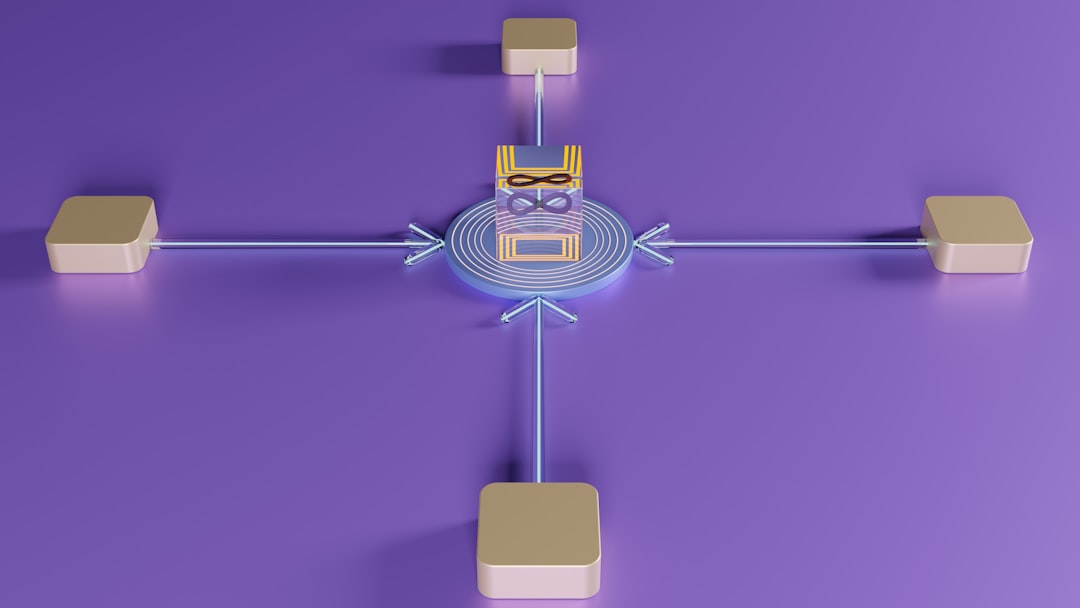
Imagine your WordPress site is a restaurant. Traditional WordPress is like a full-service restaurant where the kitchen (backend) and dining area (frontend) are connected. Headless WordPress is like a ghost kitchen – the kitchen still makes amazing food, but it delivers through multiple services (websites, apps, kiosks).
Technically, you are separating the content management (WordPress) from the presentation layer (Next.js, Gatsby, etc.). They communicate through APIs, usually REST or GraphQL.
Sounds cool, right? But here is what nobody tells you: this separation comes with a massive price tag in complexity and development time.
After my expensive mistake, I have learned to be very selective about when to recommend headless architecture. Here are the scenarios where it genuinely shines:
I worked with a retail chain that needed a website, mobile app, and in-store kiosks – all powered by the same content. Headless WordPress was perfect here. Content managers updated once in WordPress, and it appeared everywhere instantly.
A news website getting 100,000+ daily visitors needed lightning-fast load times globally. We used WordPress for content, Gatsby for static generation, and CDN for distribution. Pages loaded in under 1 second worldwide.
A SaaS company needed advanced user interactions, real-time updates, and a mobile app feel. Traditional WordPress would have struggled with the JavaScript complexity. Headless with React gave us the flexibility we needed.
Sometimes clients have existing frontend teams or specific technology stacks. Headless lets them keep their WordPress content while using their preferred frontend framework.

Let me break down the real costs of that BGC project:
Headless WordPress looks great in tutorials. Real-world projects are different:
During a product launch, our site got 50,000 visitors in 10 minutes. WordPress API could not handle it. We spent two days implementing Redis caching and API rate limiting.
Traditional WordPress has caching figured out. With headless, you need to cache at multiple levels: API responses, static pages, database queries. Getting this wrong means slow sites or stale content.
Search engine optimization becomes much harder. You need to handle meta tags, structured data, and sitemaps in your frontend, not WordPress. Miss one detail and your rankings suffer.
Most WordPress plugins assume a traditional setup. Contact forms, analytics, e-commerce – everything needs custom integration or replacement.
After that expensive lesson, I created a simple decision tree:
For most projects, I now recommend a hybrid approach:
Use traditional WordPress for most of the site, but make specific sections headless. For example, a product catalog that powers both the website and a mobile app.
Build a solid WordPress site first, then gradually add headless features as needed. This spreads the cost and reduces risk.
Keep the traditional WordPress frontend but build it with APIs in mind. This makes it easier to go headless later if needed.
After trying dozens of combinations, here is my current tech stack for headless projects:
Despite the challenges, I have had some incredible successes with headless WordPress:
Here is my honest take: headless WordPress is an amazing solution for specific problems, but it is not the future for everyone.
For 80% of websites – business sites, blogs, portfolios, small e-commerce – traditional WordPress with good optimization is faster, cheaper, and easier to maintain.
For the 20% with complex requirements – multiple platforms, extreme performance needs, advanced web applications – headless WordPress is not just worth it, it is often the only viable solution.
The key is knowing which category you fall into before you start. Do not get seduced by the technology hype. Focus on your actual business requirements.
Thinking about headless WordPress? Here is what I recommend:
That BGC project? We eventually delivered a great product, but the profit margin was tiny. The client was happy, but I learned a valuable lesson: sometimes the best technical solution is not the best business solution.
Headless WordPress is a powerful tool, but like any tool, you need to know when – and when not – to use it.
Not sure if headless WordPress is right for your project? Let is analyze your requirements and recommend the best approach. Read about Core Web Vitals optimization – both traditional and headless approaches need proper optimization.
Interested in more? Check out custom WordPress development, custom vs template builds, web design across the Philippines.
Headless WordPress separates the content backend from the frontend presentation. Content is delivered via REST or GraphQL APIs, letting developers build custom frontends with React, Next.js, or other frameworks.
Usually no. Headless adds significant complexity and cost. Traditional WordPress is faster to build, easier for content editors, and sufficient for most business websites. Headless makes sense only for complex apps or multi-platform content.
Higher development costs, steeper learning curve, plugin incompatibility, and content editor limitations. You lose the visual editing experience that makes WordPress accessible to non-technical users.

 News
News
Learn how to structure high-performing landing pages with Beaver Builder, leveraging expert insights and actionable takeaways to boost…
Read Article News
News
Discover the science behind crafting UI/UX that turns website visitors into loyal clients. Learn how to optimize your…
Read Article
Leverage the power of artificial intelligence to automate tedious tasks, streamline workflows, and unlock new levels of productivity…
Read ArticleReady to optimize your Core Web Vitals, build a bespoke custom theme, or scale your platform? Connect directly with Senior Architect Chad Sia.